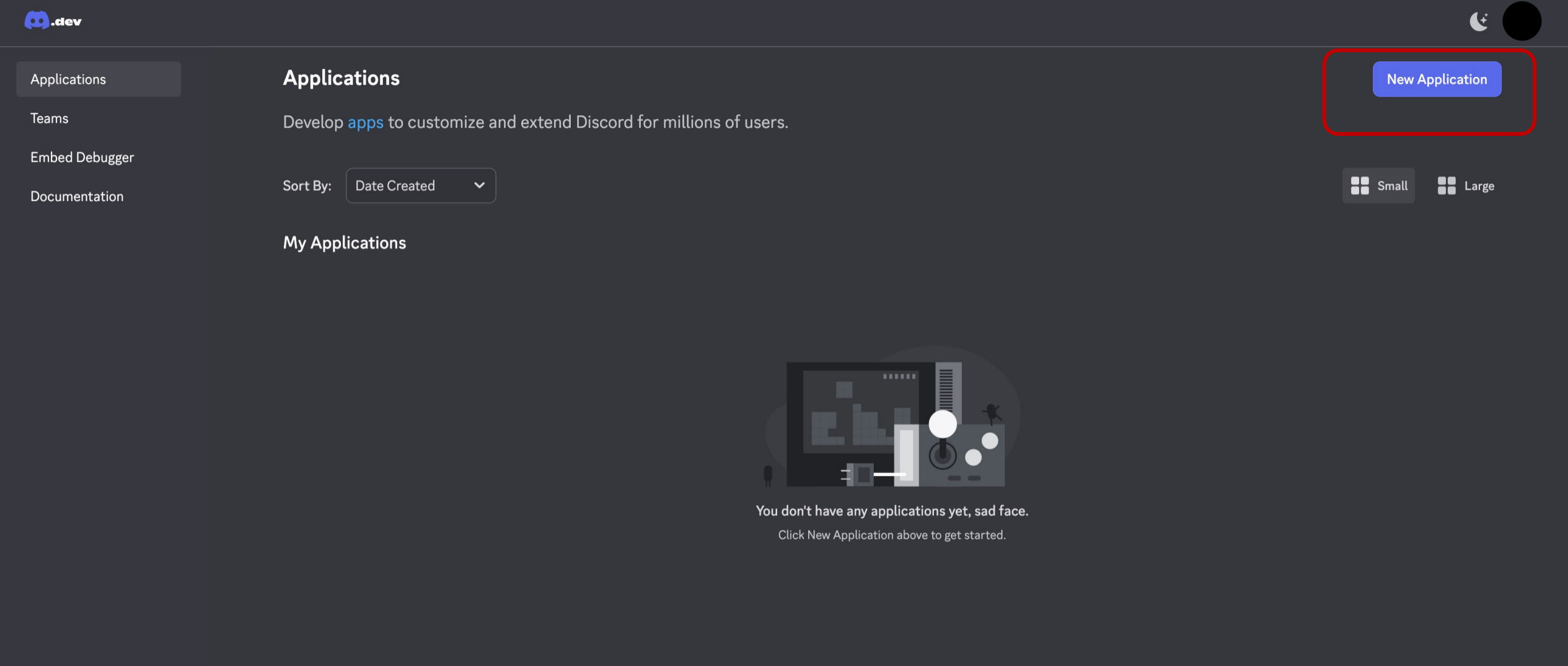
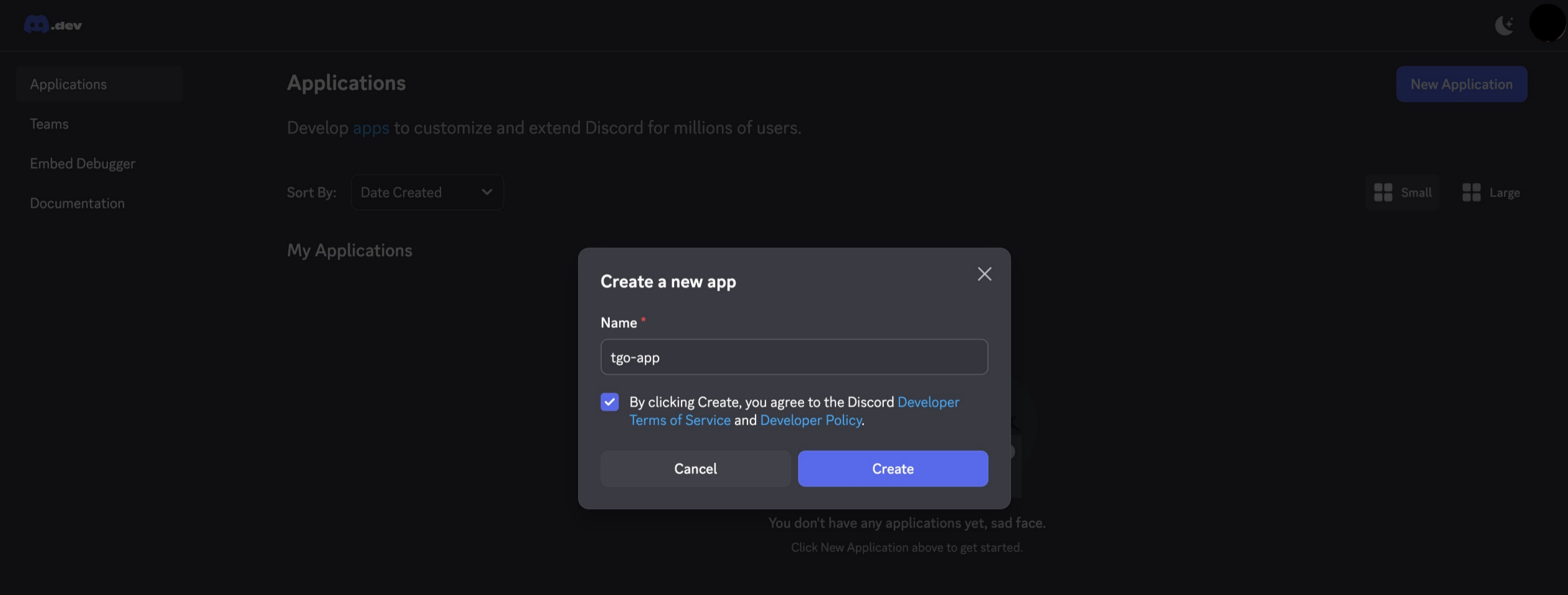
Step 1. Create an Application Open: https://discord.com/developers/applicationsLog in to your Discord accountClick New ApplicationEnter a name and click Create
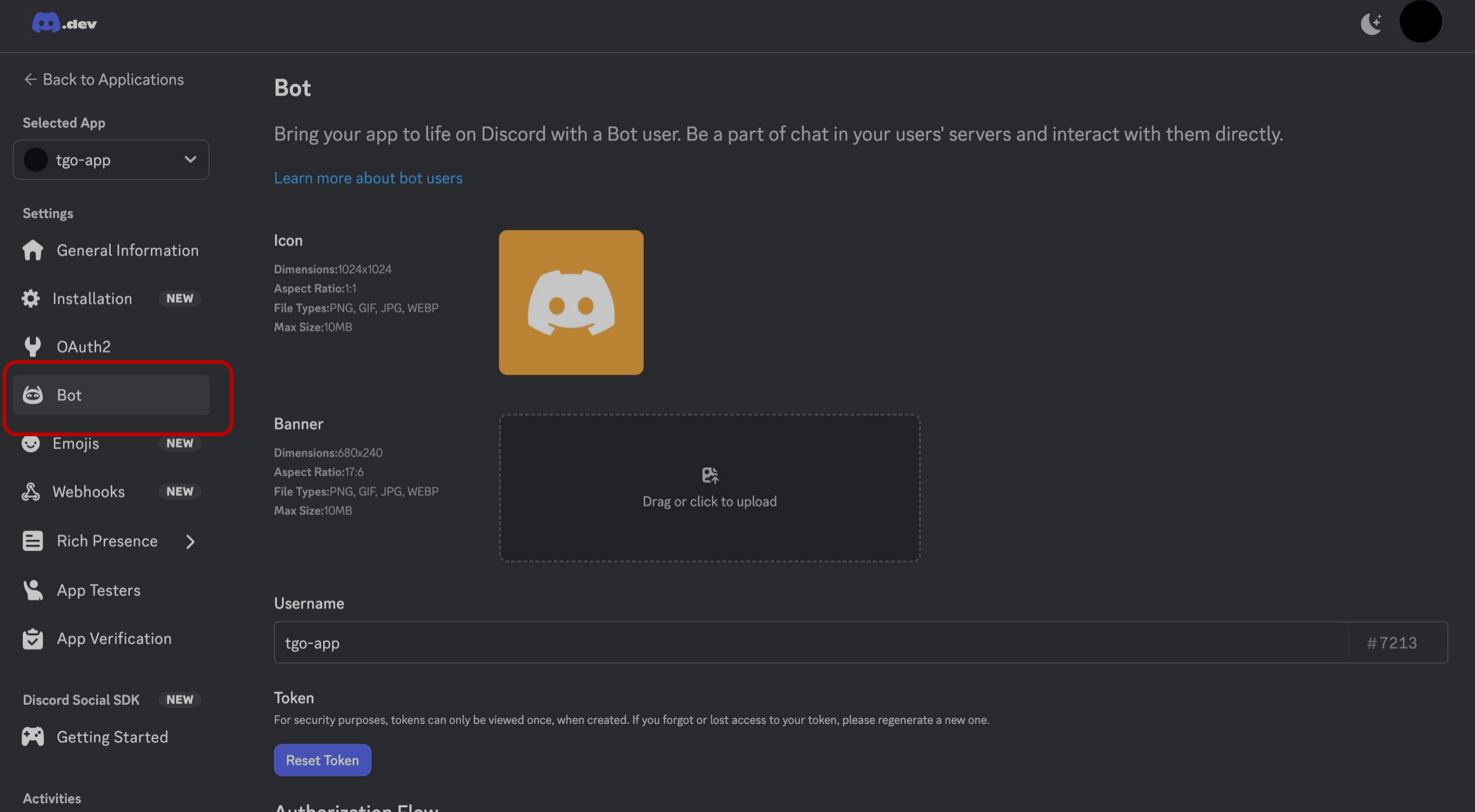
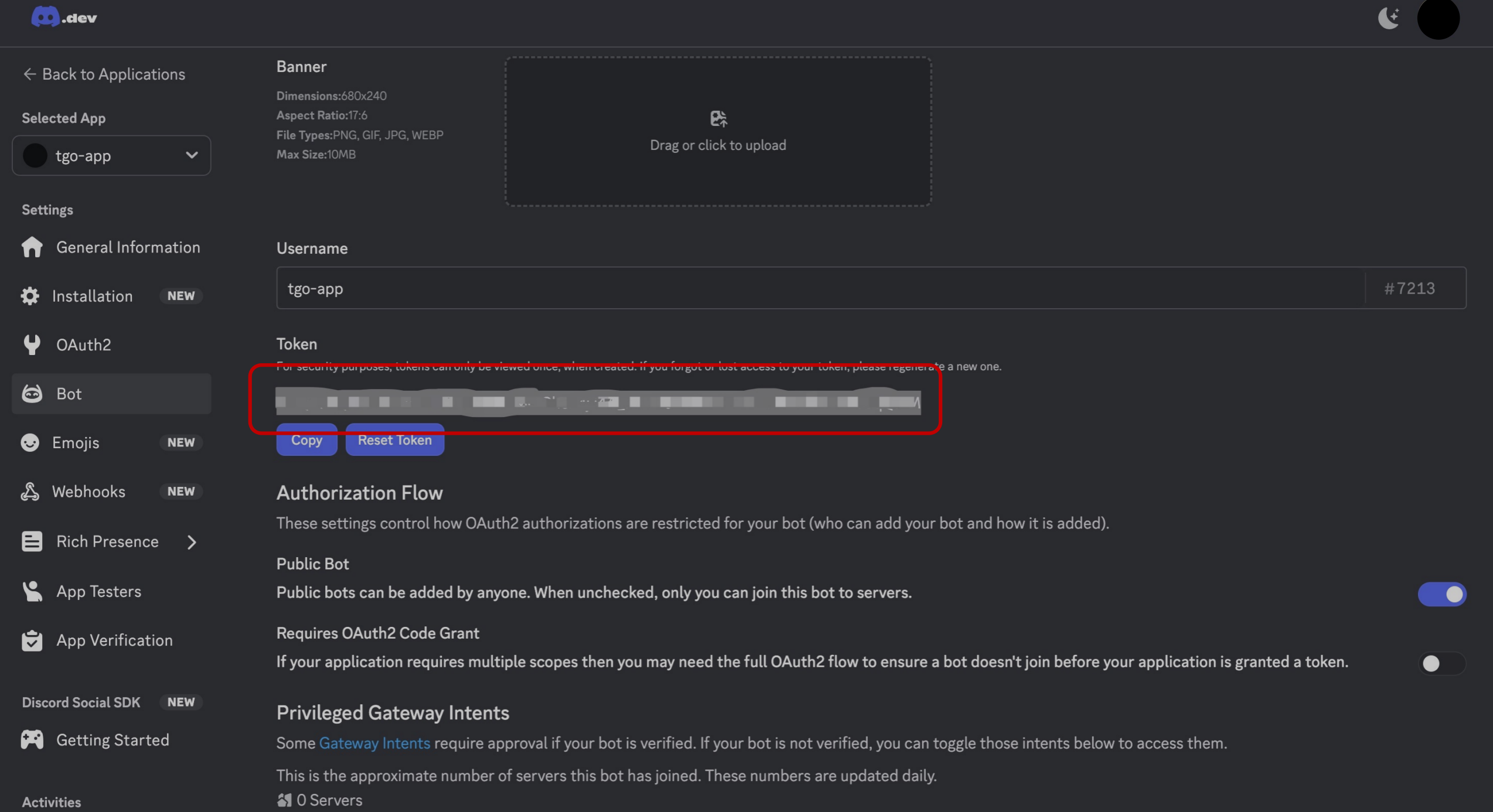
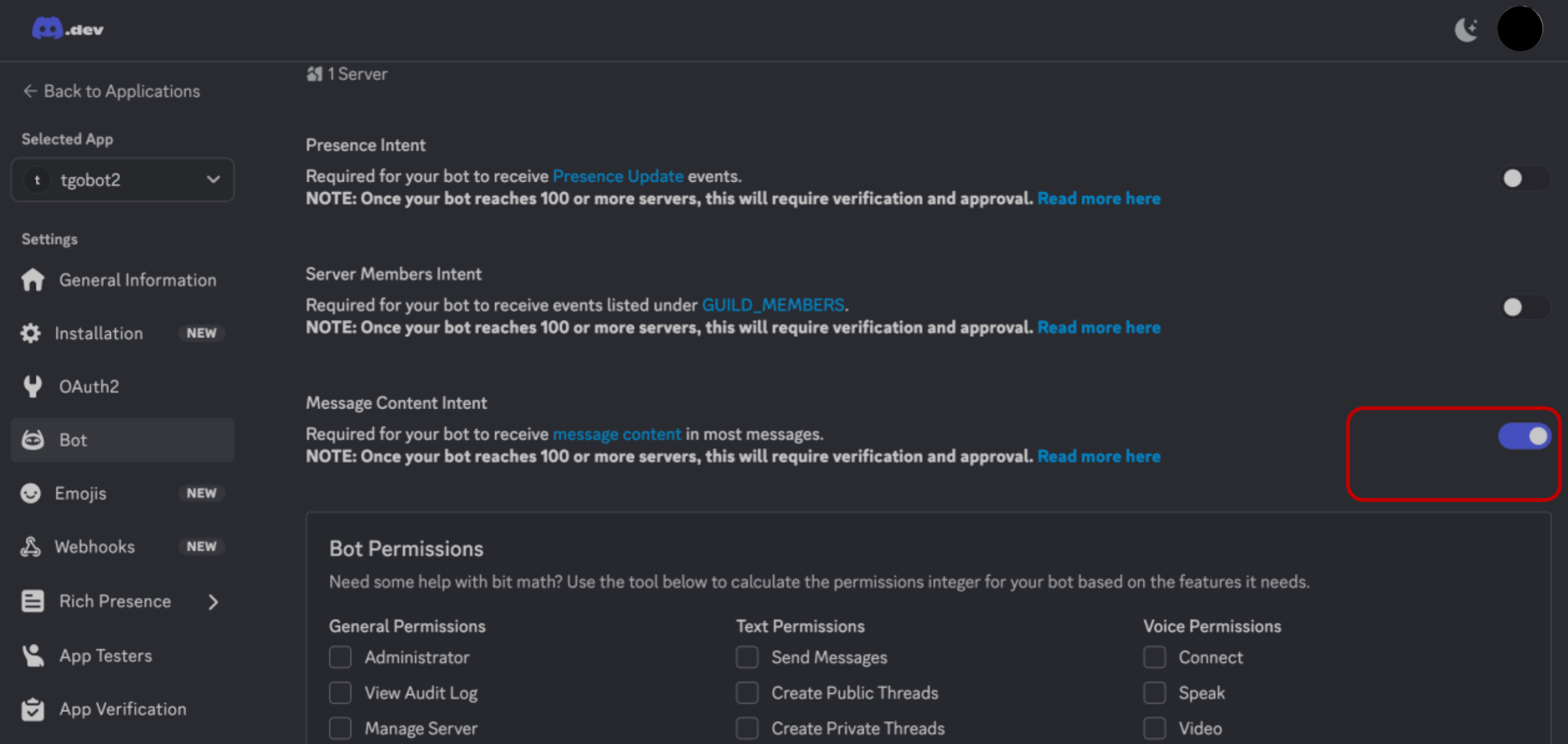
Step 2. Create a Bot In the left sidebar, click BotClick Add BotClick Yes, do it Save Your Bot TokenCopy the Bot TokenStore it securely⚠️ The token is shown only onceIf lost, you must regenerate it Enable Required IntentTurn on Message Content IntentClick Save Changes
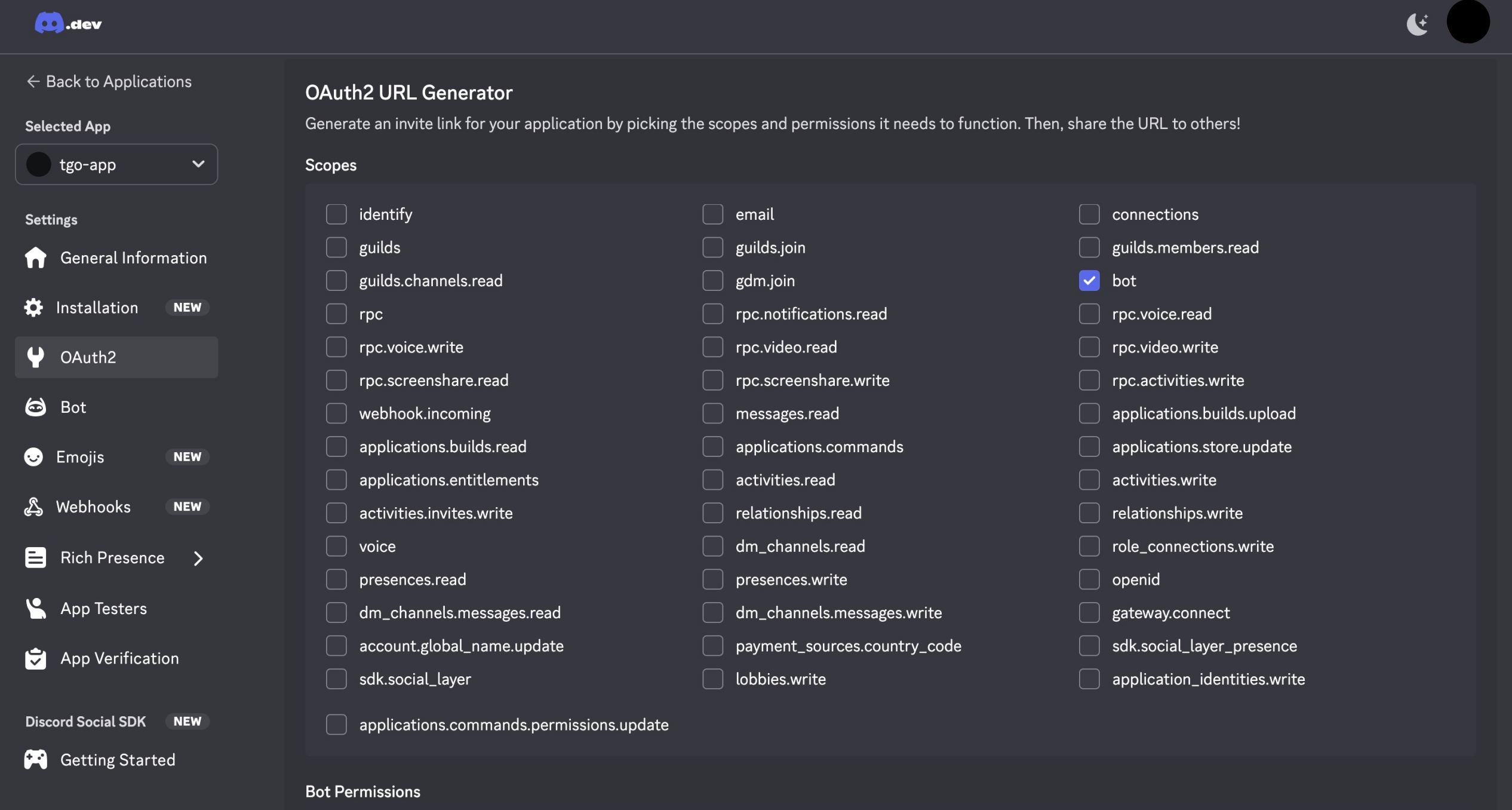
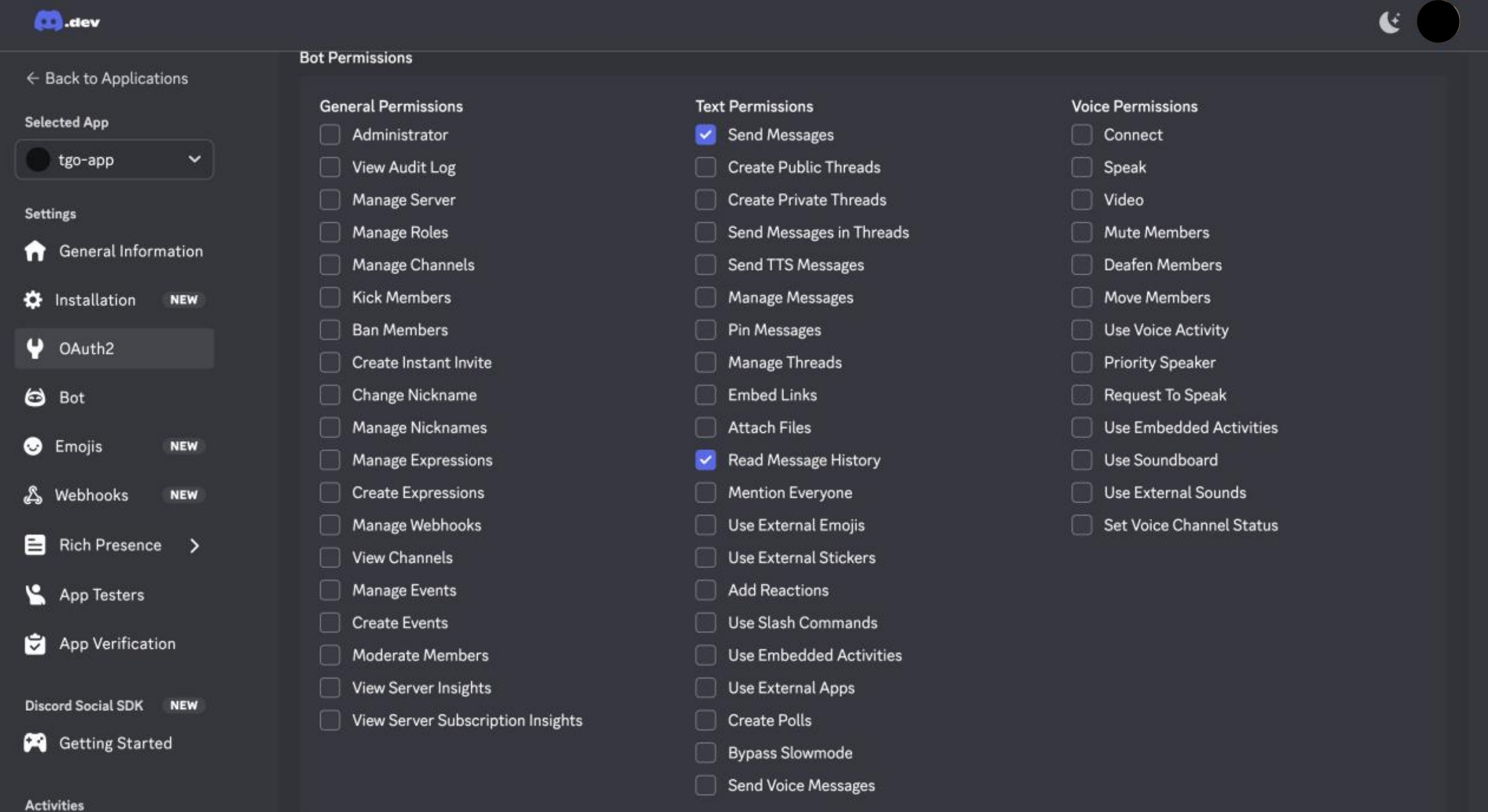
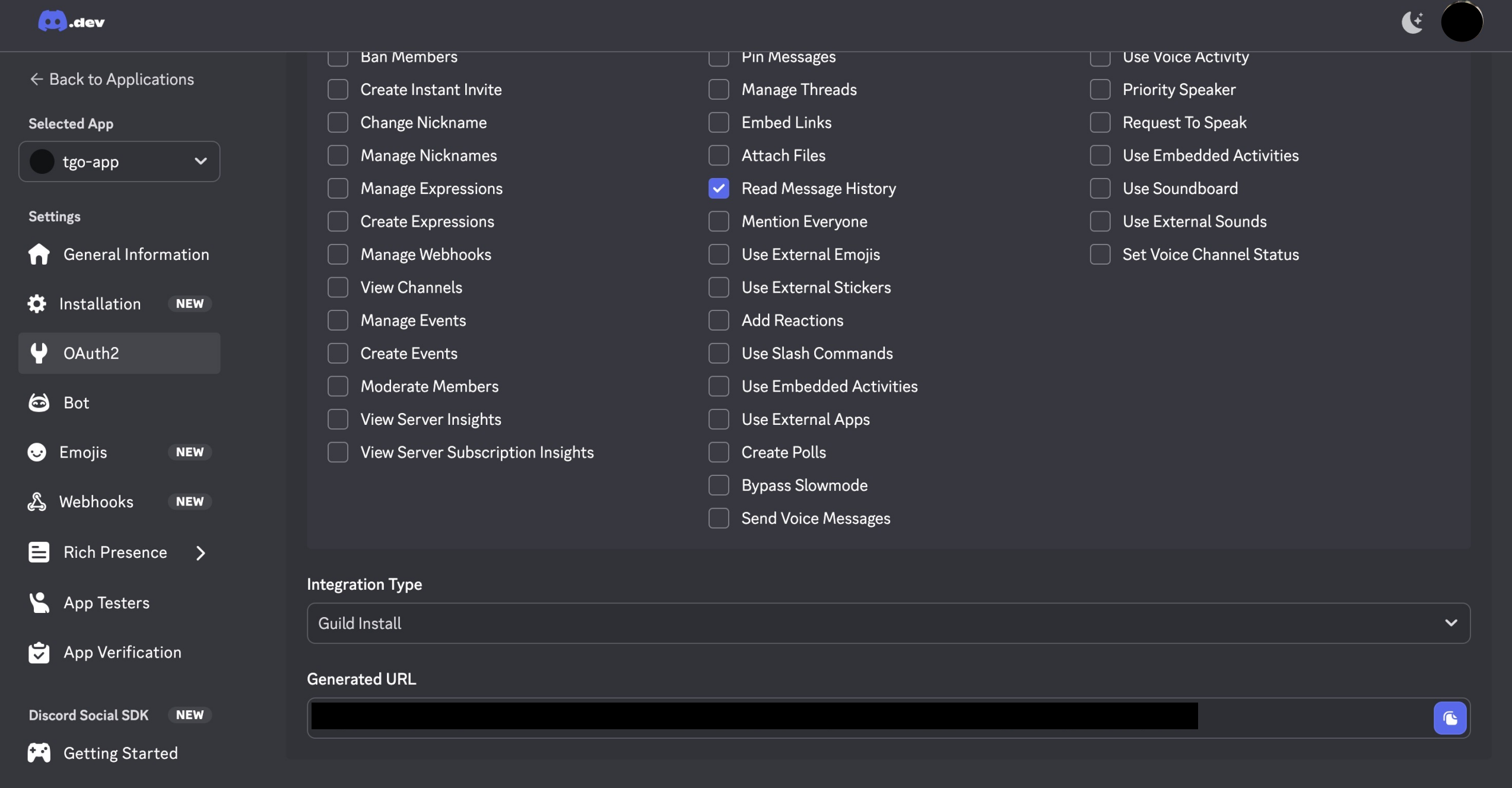
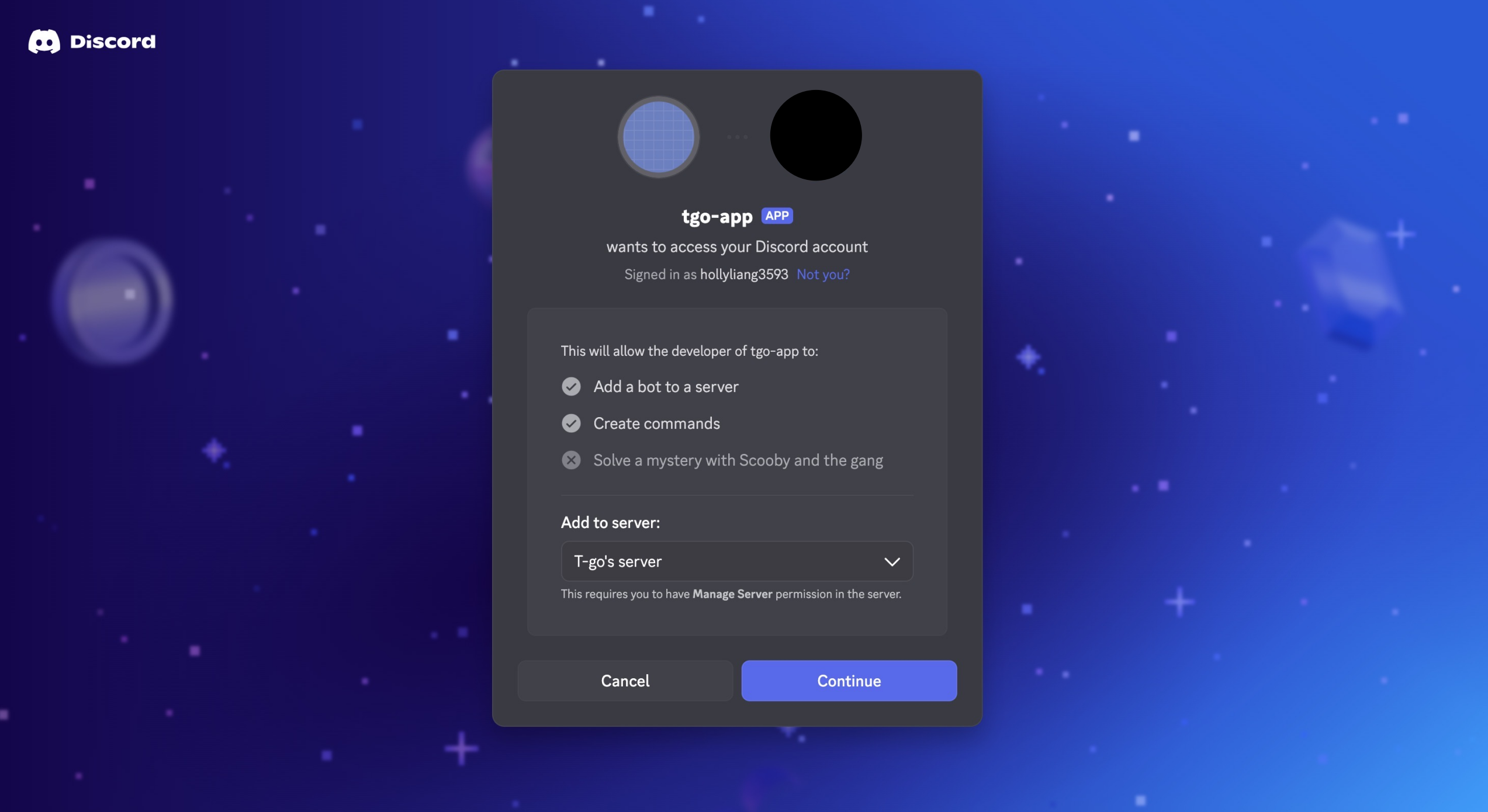
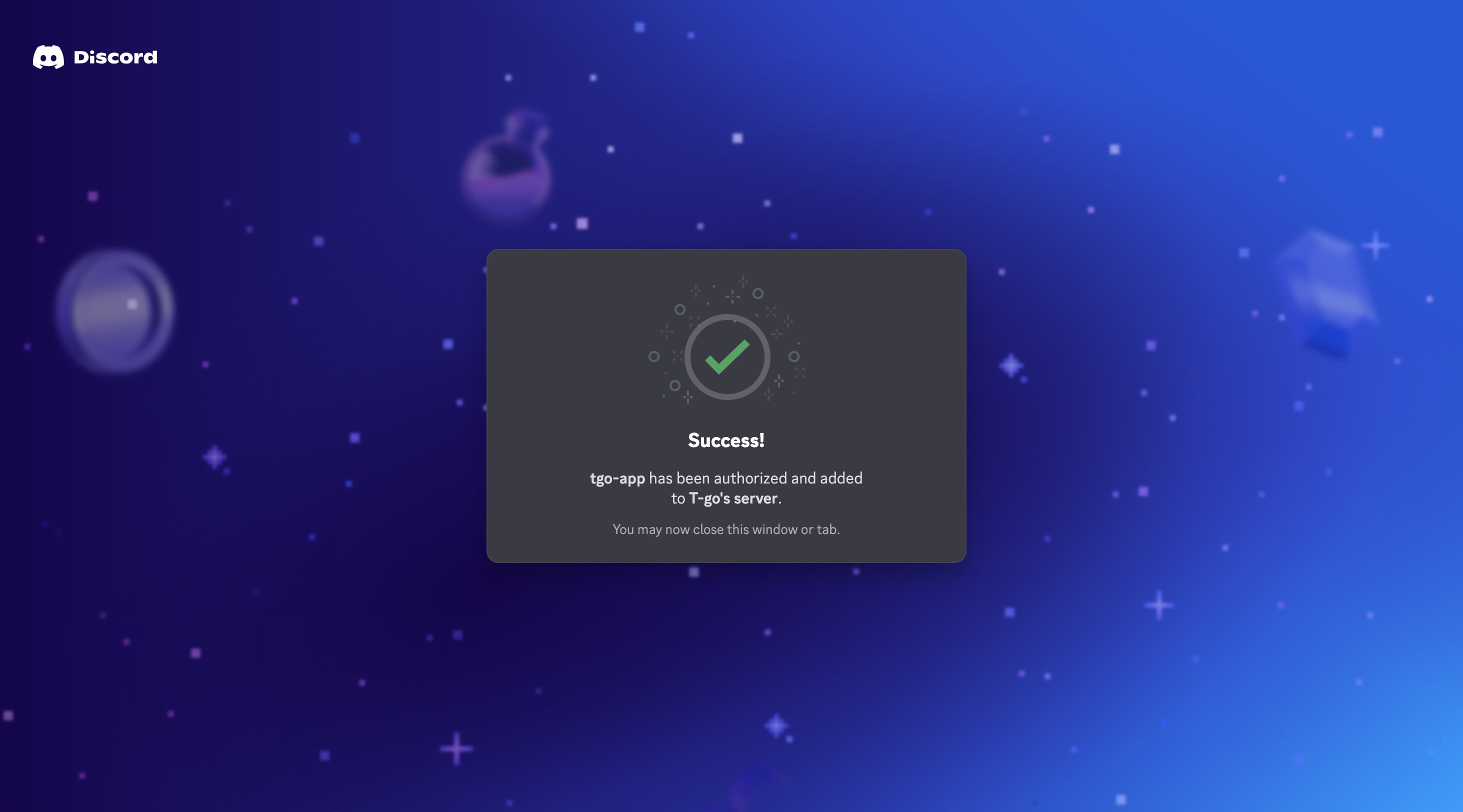
Step 3. Invite the Bot to Your Server In the left sidebar, click OAuth2 → URL GeneratorUnder Scopes, select:✅ botUnder Bot Permissions, select:✅ Send Messages✅ Read Message History Copy the generated URLOpen it in your browser Select your serverClick AuthorizeYour bot is now added to your server.
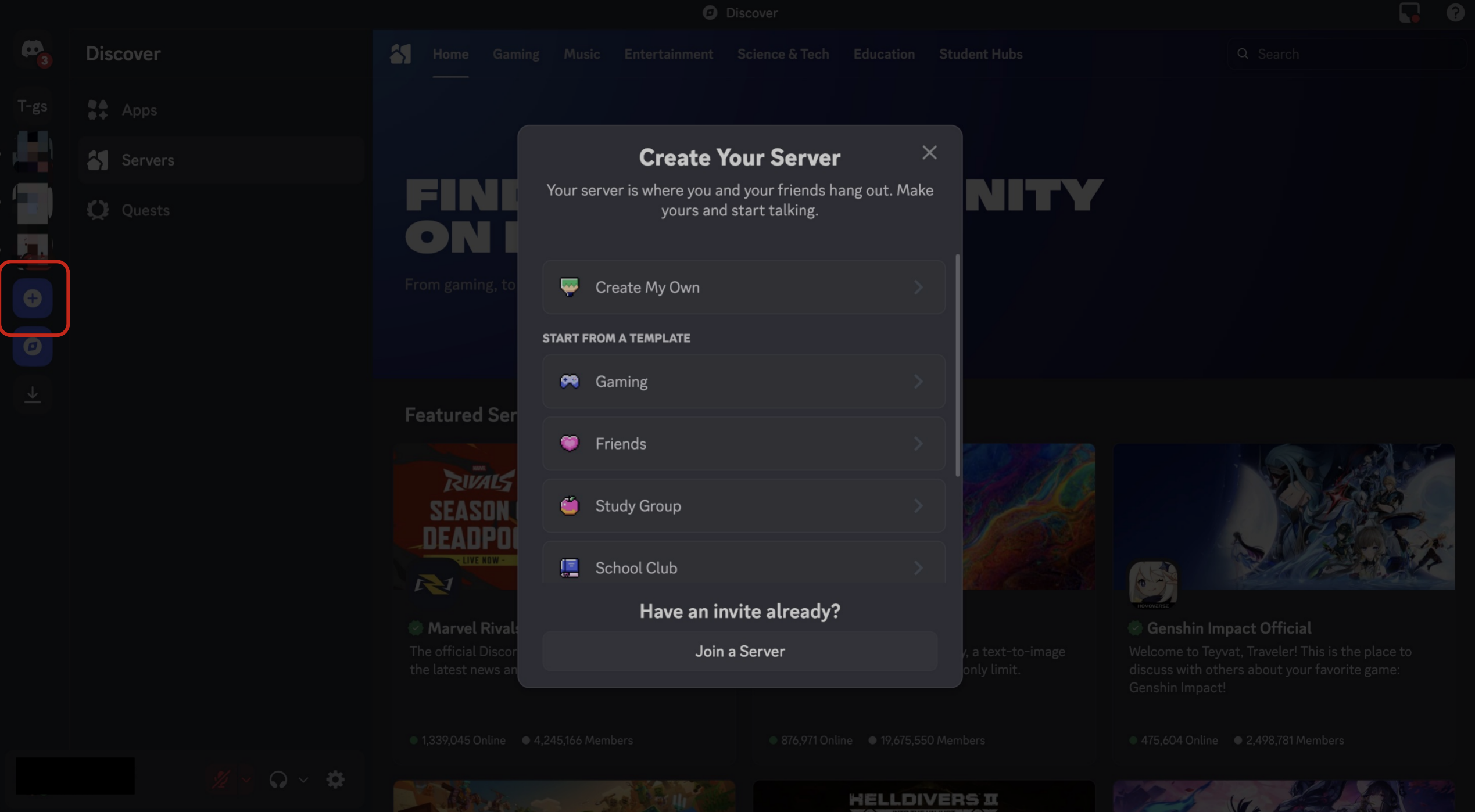
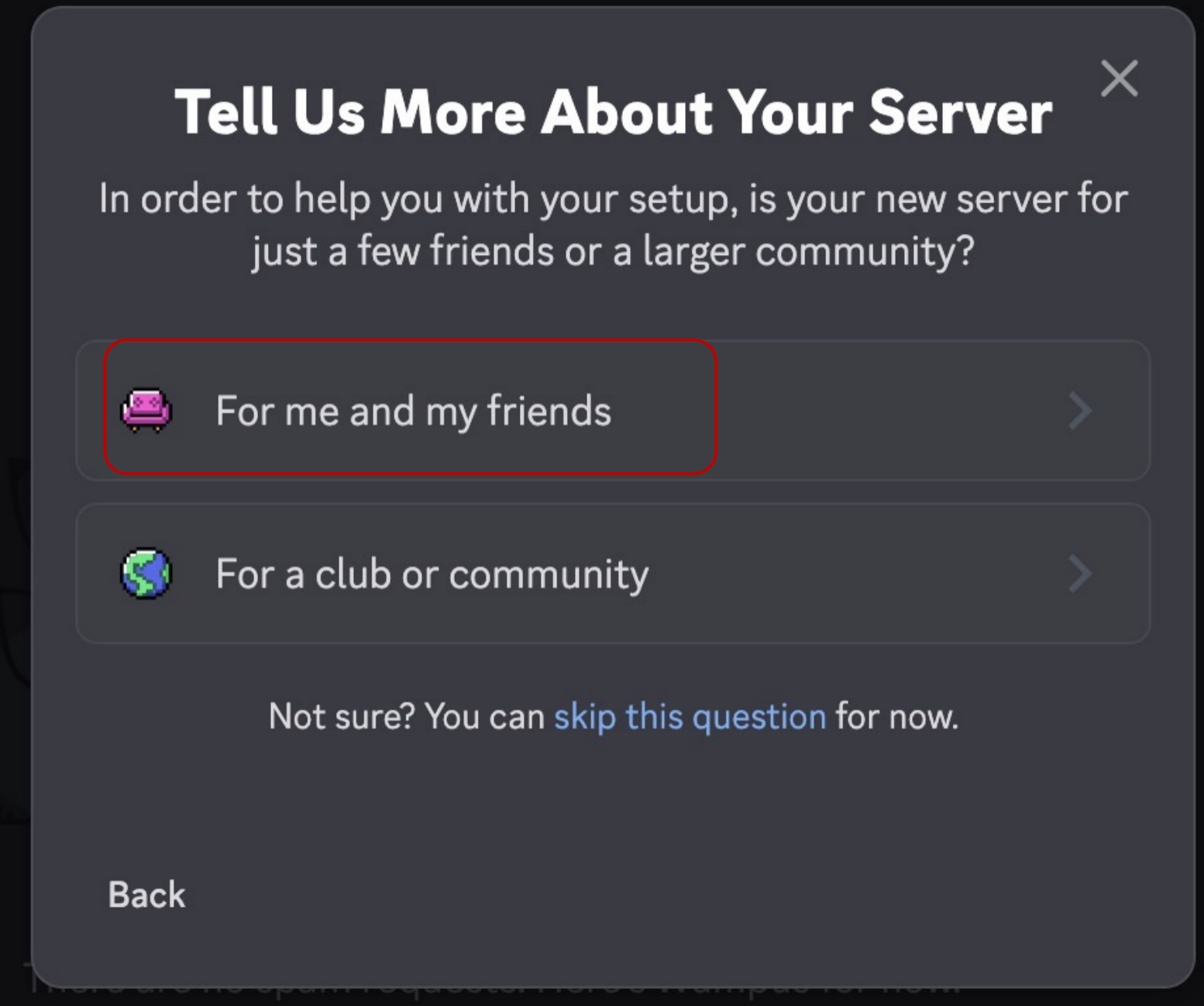
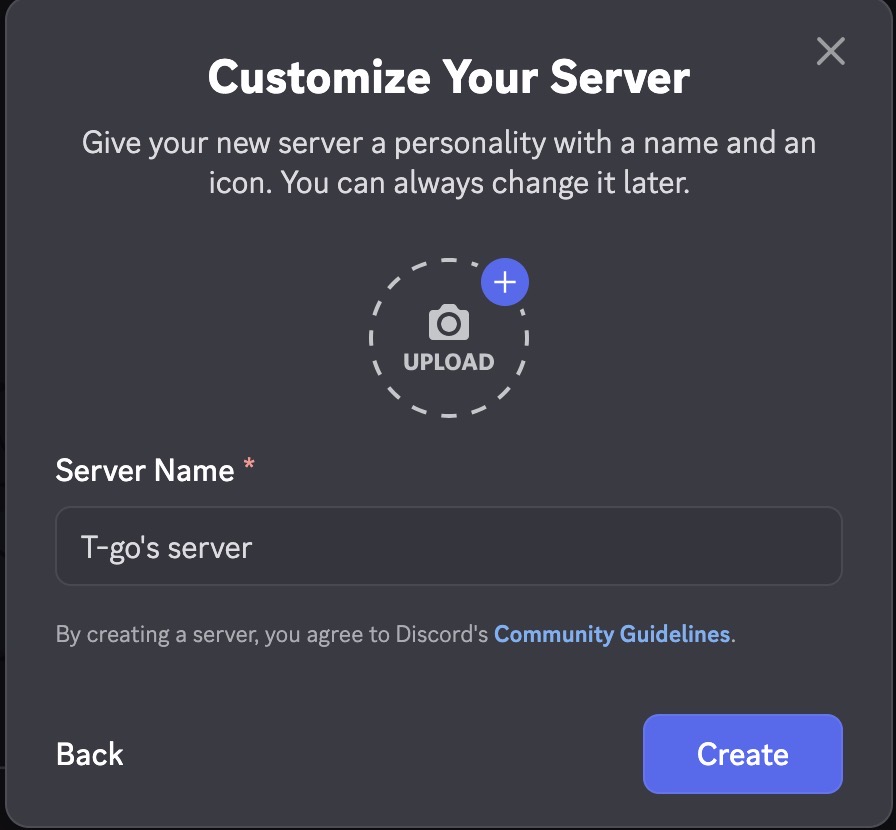
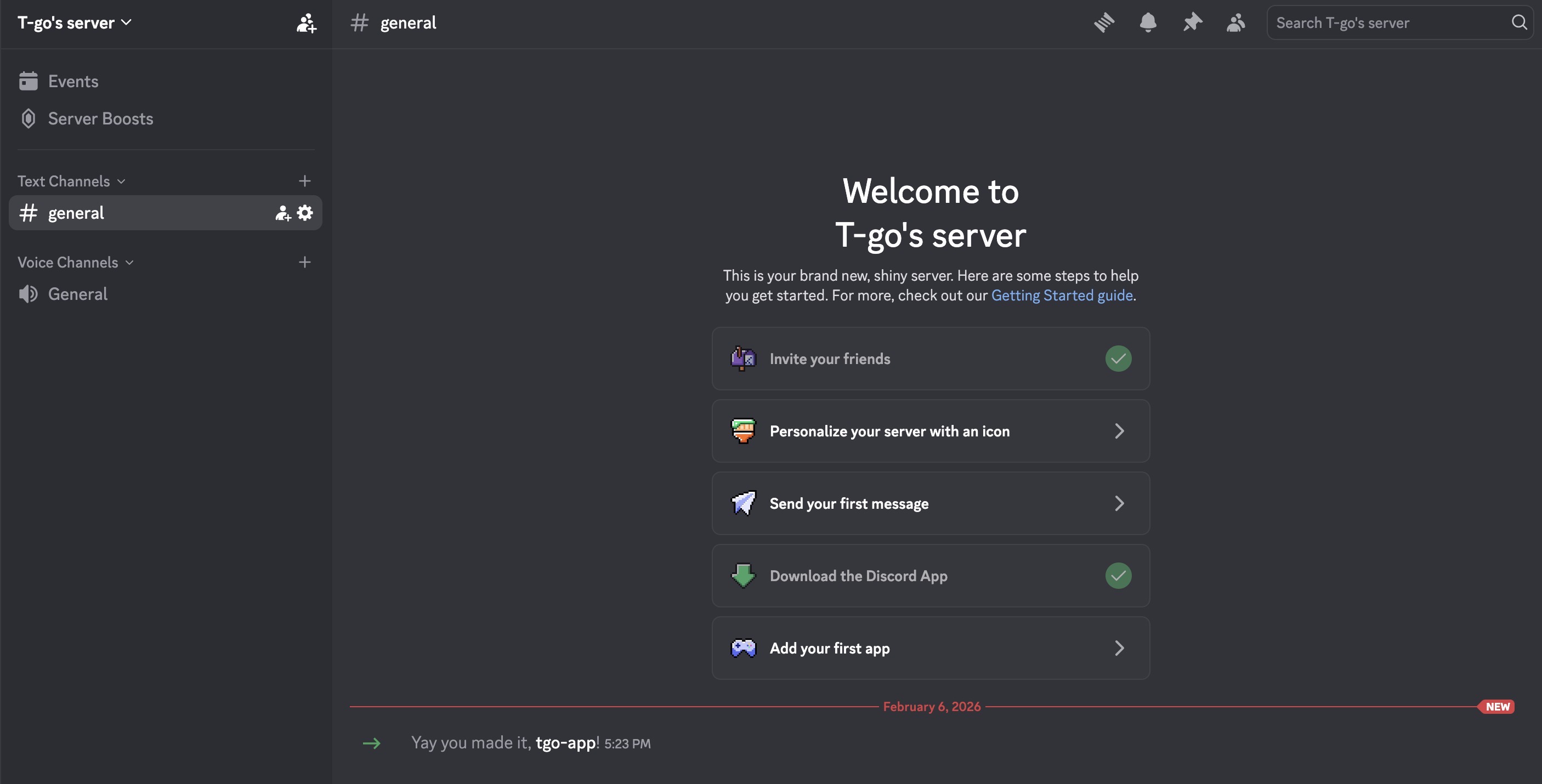
Step 4. (Optional) Create a Discord Server If you don't already have a server:Open DiscordClick the + icon on the leftChoose Create My OwnFollow the setup steps