Describe the event you want to monitor, and select whether you want to get alerts for it.
Privacy-first video intelligence for Mac OS
Make Security Cameras Smart in Seconds
No cloud required, no subscription required
Free downloadRTSP / USB / iPhone webcam support100% local deploymentAI daily/weekly summariesFast searchCustom monitoring eventsEvent filtering
Filter events by prompt type.
Enter keyword and time range, then search for things outside customized prompts.
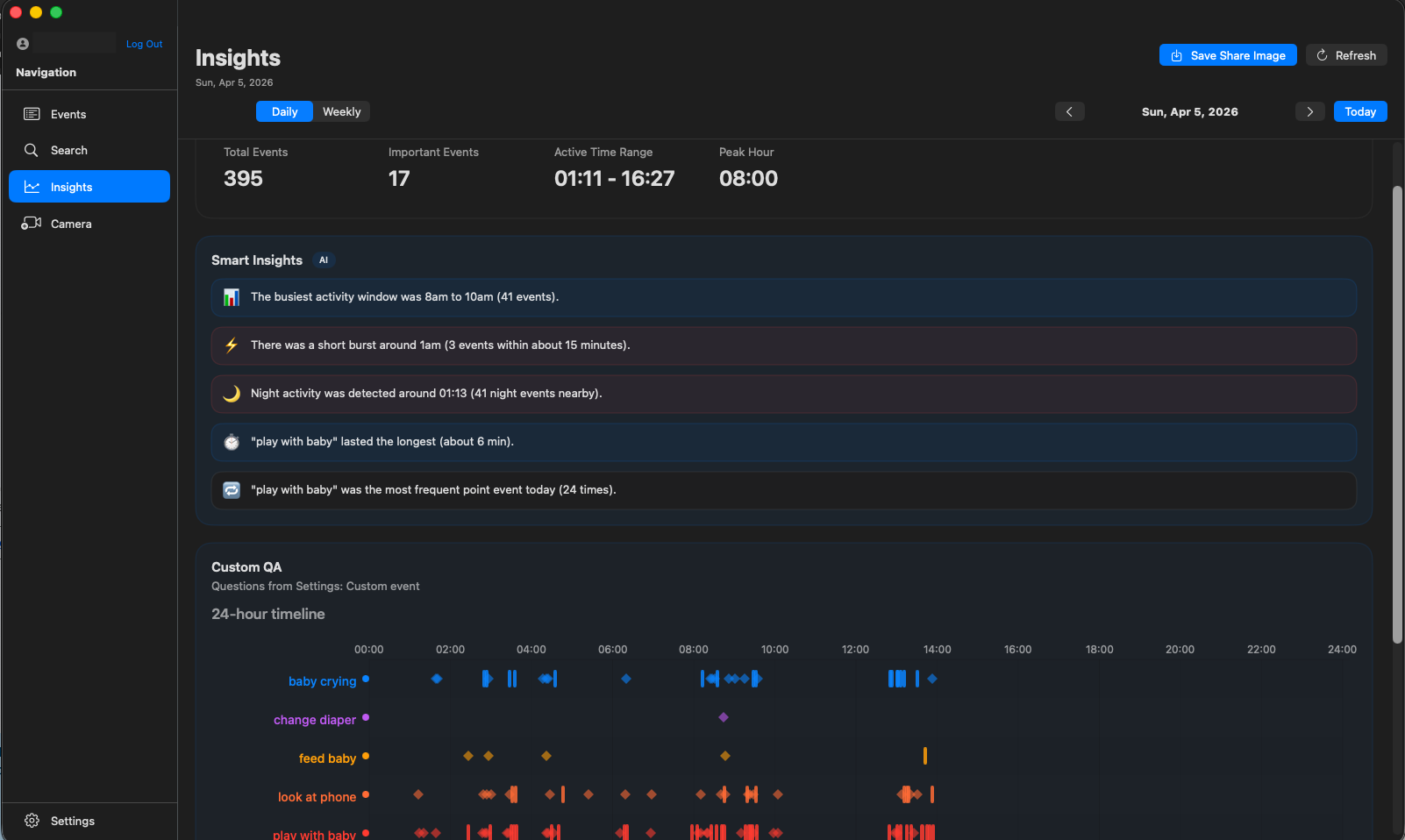
Daily and weekly summaries with analysis of your customized events.
Common questions
What is T-Go?
T-Go is AI software that runs locally on your Mac OS. It connects directly to RTSP cameras, USB cameras, and iPhone (as webcam) sources, then analyzes video in real time on your own hardware. No video upload. No cloud. No subscription. Tell T-Go what to look for: safety events, human actions, animals, vehicles, or custom behaviors-you name it. It detects and alerts you when something matches. You define the rules; the AI does the watching. Whether you need to spot intruders, monitor pets, or track activity in a warehouse, T-Go adapts to your use case. Everything stays on your network. Your footage never leaves your machine. No data limits, no privacy trade-offs. Just plug in your cameras, describe what matters to you, and let T-Go handle the rest. Simple, private, and fully yours.
Does T-Go upload my video to the cloud?
No. Processing stays on your machine and your network. Footage is not sent to T-Go servers for analysis.
Which cameras work with T-Go?
T-Go works with RTSP-capable IP cameras, USB cameras, and iPhone (as webcam) sources. Use the supported camera guide on this site for RTSP model and setup tips.
How much does T-Go cost?
T-Go is free to download. Create an account to get the app and try it on your own hardware.